
Unlock Your Streaming Potential: The Ultimate Guide to Game Streaming Equipment Setup
In the world of online gaming, streaming has transformed from a niche hobby into a mainstream phenomenon. Gamers are no longer just players; they’re entertainers, educators, and influencers, captivating audiences with their skills and charisma. But before you hit that ‘Go Live’ button, there’s one crucial step you can’t overlook: setting up your game streaming equipment. This guide will walk you through the essentials, whether you’re a novice looking to dip your toes in or a seasoned pro aiming to upgrade your setup.
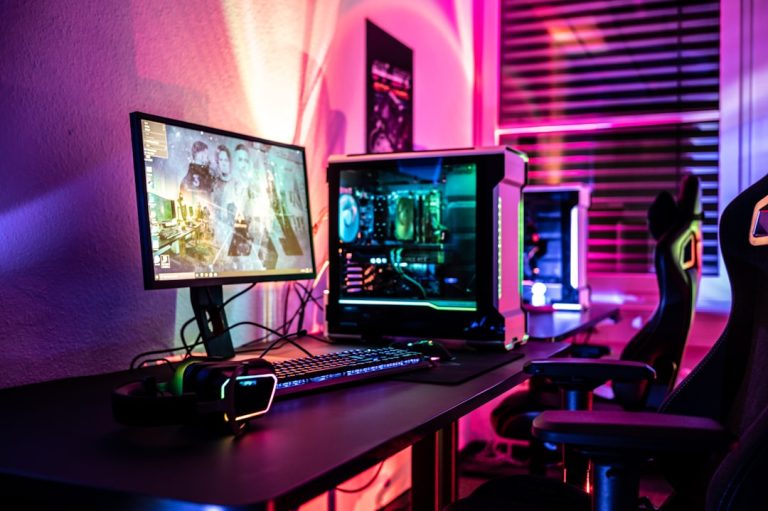
First and foremost, let’s talk about the heart of your streaming setup: your computer. Ideally, you want a machine that can handle the rigors of gaming while simultaneously processing your streaming software. A powerful CPU (think Intel i7 or AMD Ryzen 7) paired with a robust GPU (like the NVIDIA GeForce RTX series) is essential. But if your budget is tight, consider optimizing your existing machine with upgrades instead of splurging on a new one. Simple additions like more RAM or an SSD can make a world of difference.
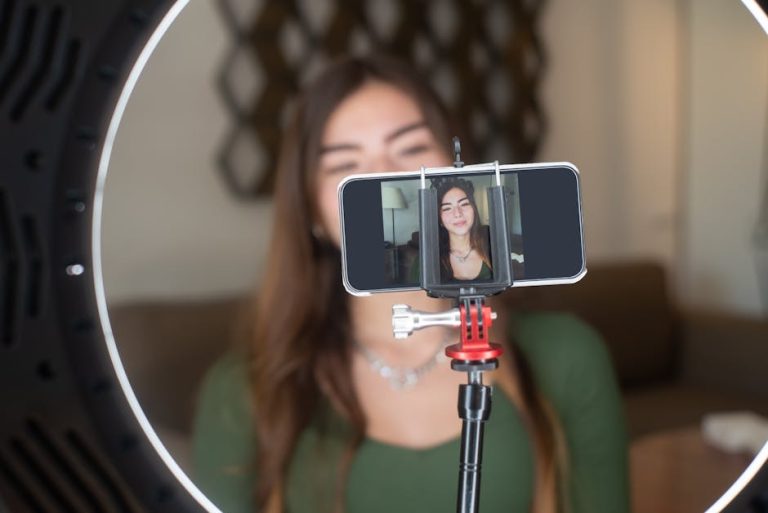
Next up is your camera. High-quality visuals are crucial for engaging viewers, so investing in a good webcam can set you apart. Look for models that support 1080p or higher resolution. However, if you want to step it up a notch, consider using a DSLR camera as a webcam, which can provide a professional touch to your stream. If you’re on a budget, utilize your smartphone with a tripod; there are several apps available that allow your phone to function as a webcam.
Audio quality is just as important as visual quality. Viewers will forgive a blurry image, but poor audio can drive them away faster than a bad game. A good USB microphone is a wise investment, providing clarity that built-in mics simply can’t match. Look for options like the Blue Yeti or Audio-Technica AT2020. If you want to go the extra mile, consider a pop filter and a boom arm for that polished look.
Now that we’ve covered the basics, let’s talk about lighting. Proper lighting can dramatically improve the quality of your stream, making you look more vibrant and inviting. Softbox lights or ring lights are excellent choices, but you can also use natural light by positioning yourself near a window. Just be sure to control shadows, as they can be distracting to your viewers.
Don’t forget about your streaming software! OBS Studio is a popular choice because it’s free and packed with features. It allows you to customize your layout, add overlays, and integrate alerts for when viewers subscribe or donate. If you’re looking for something more user-friendly, consider Streamlabs OBS, which is also free and has a more intuitive interface.
Now, for those who want to create a unique streaming experience, consider adding additional elements like overlays, alerts, and transitions. Websites like Streamlabs and Nerd or Die offer templates that can be customized to fit your brand. These little details can make your stream feel more professional and engaging.
Lastly, let’s talk about ergonomics. Streaming can require long hours, so investing in a comfortable chair and desk setup can make a big difference in your overall experience. A good gaming chair provides support, allowing you to focus on your stream rather than your discomfort.
In conclusion, setting up your game streaming equipment doesn’t have to break the bank or require a degree in engineering. By prioritizing essential components and making smart choices, you can create a setup that not only looks and sounds great but also reflects your personal style. As you embark on this streaming journey, remember that authenticity and engagement are key. Your unique personality is what will draw viewers in, so don’t be afraid to let it shine through your setup. Happy streaming!